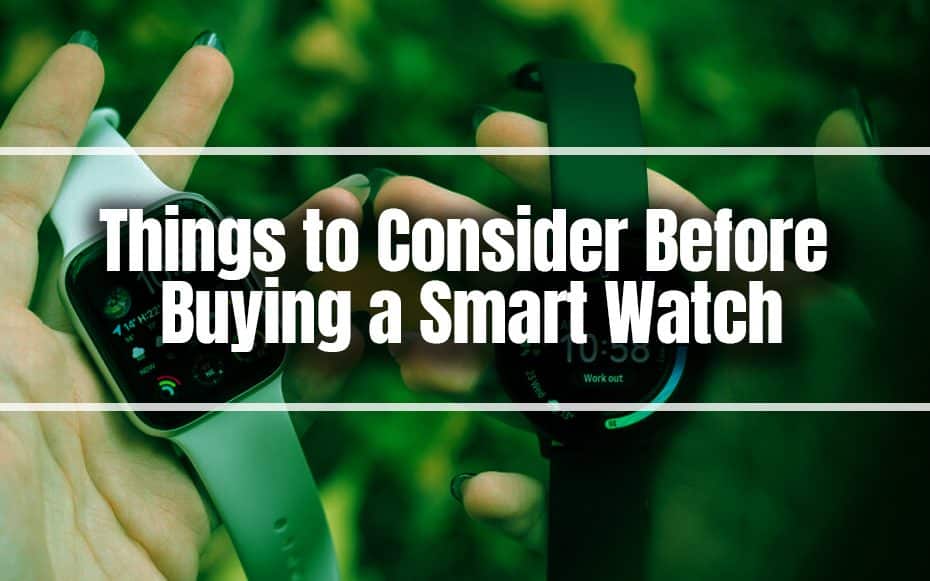
Things to Consider Before Buying a Smart Watch
We’re here to help you decide on what to look for while selecting the finest smartwatch. Here’s the smartwatch buying guide to read.
ReadHomeKit by Apple and Home app has long felt like an unfinished task. The Home app is receiving a makeover to make the app better.
With its future software releases, iOS 16 and iPadOS 16, which the firm is scheduled to reveal during its WWDC 2022 developer conference, Apple is reportedly introducing a raft of new updates to iPhones and iPads.
As per Bloomberg, the iPhone has undergone modifications that affect notifications, messages, and the Health app. The new Focus mode, which restricts the notifications you view at certain times, and the option to group notifications into a summary at particular times of the day are two of the new notification modifications made by Apple. There will likely be new audio features added to the messaging app.
HomeKit by Apple and its companion Home app has long felt like an unfinished task. The Home app is receiving a makeover and a fresh lease on life with the launch of iOS 16, along with the promise of Matter support.
The biggest news in the world of smart technology recently is the imminent introduction of Matter, a connectivity standard intended to serve as the main thread connecting various pieces of smart home equipment.
Are you going to update your iPhone to iOS 16? Well, the new features listed below might help you convince yourself. Check it out:
With iOS 16, Apple makes significant changes to the Lock Screen for the first time in a while. With the update, you may change the Lock Screen’s colors, typefaces, and even where and how widgets are shown. The Lock Screen in iOS 16 resembles an Apple Watch face more so than a conventional static display.
Apple will even provide a gallery of Lock Screen designs that may be downloaded or used as inspiration. With a tap-and-hold followed by a swipe, you can choose between different Lock Screens just like an Apple Watch face. Along with fonts, a new multilayered photo effect and suggested photos will also be offered. Alternatively, you can select a selection of photos to randomly swap throughout the day. You can even use styles to make photographs complementarity and conform to a style of your choosing.
Similar to Watch face complications, widgets display data such as your Watch activity rings, weather reports, a world clock, the battery life of accessories like AirPods, your scheduled alarms, and more. Even third-party apps will be able to use the WidgetKit API to add information directly to your lock screen.
A new Live Activities feature pins your lock screen with what is essentially a self-updating notification. With an API for developers to access, this enables you to watch live events like sports games or workouts by simply elevating your device. Bold text and improved images give notifications a slight boost overall, and the Now Playing screen now has a full-screen mode that makes better use of album art.
Last but not least, you can modify how Notifications appear on your lock screen. In addition to new animations for a more aesthetically pleasing Lock Screen, you can also switch the context on the fly and select between a list view, stack view, and count view. With all of these features, using your iPhone without going to the Home screen is more entertaining.
By silently sending alerts, muting distracting apps, and alerting your contacts that you have snoozed notifications in apps like Messages, Focus enables you to eliminate distractions. By connecting your Lock Screen to your Focus, iOS 16 broadens the feature set by enabling you to display particular Lock Screens (including themes, widgets, and styles) when particular Focus modes are active.
You can employ certain widgets that are beneficial to the Focus mode you have chosen or hide specific apps on the Home screen thanks to this functionality. Within programs like Safari and Calendar, focus filters allow you to define “boundaries” that, based on what you’re doing, will automatically recall particular tab groups or hide particular calendars.
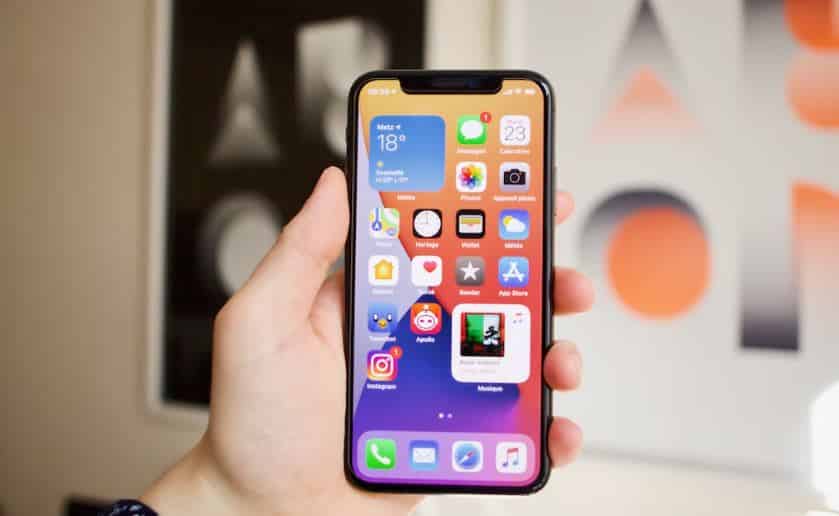
When communicating with other Apple users via the iMessage platform, iOS 16 users will be able to edit or un-send a message (within 15 minutes of sending it) and retrieve deleted communications (within 30 days of deletion). You can also designate any message (including SMS) as unread, a long-overdue function.
Passkeys are a promising first step toward a world without passwords. Following a brief beta testing phase, Apple is now releasing the feature with iOS 16. Public and private key cryptography is used in the technology to totally replace passwords with biometric logins such as Face ID and Touch ID.
While iOS 15 (and earlier) already allows you to create shared albums, iOS 16 will let you share entire photo libraries with up to five members of your family. This will be a separate photo library, where you can choose to share all of your old photos or choose to share specific photos complete with smart sharing suggestions to make picking the right photos easier.
With iOS 16, Apple has completely redesigned the Home app, making it simpler than ever to manage all of your HomeKit devices. Up to four linked cameras will be available on the main Home page, a new house view, categories for devices (such as Lights, Speakers, TVs, and so on), and under-the-hood enhancements that Apple promises will speed up dealing with HomeKit devices. This is absolutely perfect to keep your smart home in order.
If you regularly take supplements or medications, iOS 16’s redesigned Health app will enable you to keep better track of your routine, add vitamins or medications using your iPhone camera, and receive reminders to take those supplements or medications according to a personalized schedule. Additionally, you can keep track of when you’ve taken your medications and find out more about what you’re taking (though you should always listen to your doctor first and foremost).
With the new buy-now-pay-later option Apple Pay Later, which is available to a limited number of applicants in the United States, you can divide payment into four equal payments over the course of six weeks while keeping track of your debt in Wallet. Anywhere that accepts Apple Pay will accept it.
We’re here to help you decide on what to look for while selecting the finest smartwatch. Here’s the smartwatch buying guide to read.
Read
Most individuals are converting their garages into smart garages for two reasons: improved safety and simplicity of operation.
Read
Its name is IFTTT. Here’s a quick explanation of what IFTTT is, how it operates, and its benefits, especially for smart homes.
ReadA one-page PDF to plan your first devices, plus occasional emails when we publish new guides and deal alerts. Unsubscribe any time.
By subscribing you agree to our Privacy Policy.